
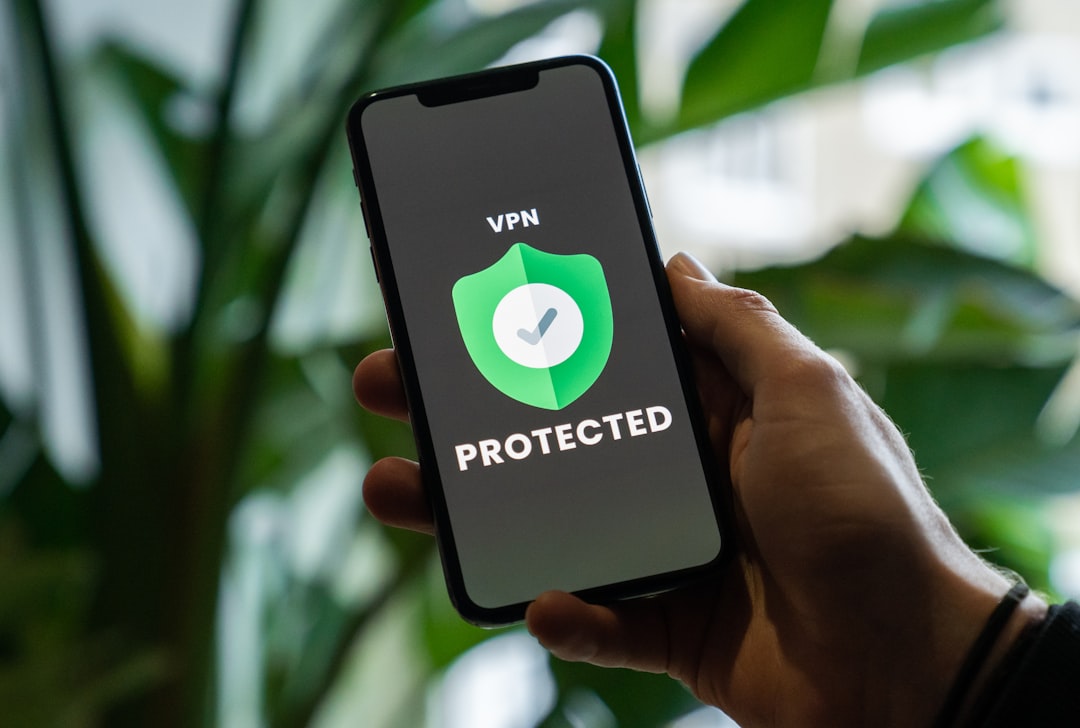
Whether you’re traveling abroad, studying at a university with strict filters, or simply trying to watch content not available in your region, hitting a blocked website is genuinely frustrating. The good news is that a VPN — a Virtual Private Network — is one of the simplest and most reliable ways to get around those restrictions. This guide walks you through exactly how to use a VPN to access restricted sites, even if you’ve never used one before.
What Is a VPN and Why Does It Help?
A VPN works by routing your internet traffic through a server in another country, masking your real IP address in the process. When a website or service checks where you’re connecting from, it sees the VPN server’s location — not yours. This means a site blocked in the UK can appear fully accessible if you connect through a US server, and vice versa.
VPNs also encrypt your traffic, which adds a layer of privacy on public Wi-Fi and prevents your internet provider from seeing which sites you visit. It’s worth understanding the basics before diving in — if you’re also managing IPTV streams, you might want to read up on the what is an M3U file guide to see how VPNs and streaming tools work together.
Step 1 — Choose a Reliable VPN
Not all VPNs are equal. Free VPNs often come with data caps, slower speeds, and questionable privacy practices. For accessing restricted sites consistently, a paid VPN is worth the small monthly cost. Look for:
- A large server network — more countries means more flexibility
- No-logs policy — the provider shouldn’t store records of your activity
- Fast connection speeds — especially important for streaming or IPTV
- Easy-to-use apps — available on Windows, Mac, iOS, and Android
One of the most well-tested options is NordVPN (try it free for 30 days) — it has over 6,000 servers in 111 countries and is consistently fast enough for HD streaming and IPTV playback.
Step 2 — Download and Install the VPN App
Once you’ve chosen a provider, head to their official website and download the app for your device. Most reputable VPNs support:
- Windows and macOS desktops
- iPhone and Android phones
- Browser extensions (Chrome, Firefox)
- Smart TVs and routers (useful for IPTV setups)
The installation process takes under two minutes in most cases. Open the app, log in with your account, and you’re ready to go.
Step 3 — Connect to the Right Server
This is the key step. To access a site restricted in your country, connect to a VPN server based in a country where that site is available. For example:
- To access US-only streaming content, connect to a US server
- To unblock BBC iPlayer from outside the UK, connect to a UK server
- To bypass workplace or school filters, connect to any server outside the network’s jurisdiction
Once connected, open your browser and visit the restricted site as normal. The site should load without any block or error message.
Step 4 — Troubleshoot If a Site Still Won’t Load
Some platforms actively block known VPN IP addresses. If a site still shows a restriction message, try these fixes:
- Switch servers — try a different server in the same country
- Enable obfuscation — some VPNs have a stealth or obfuscated mode that disguises VPN traffic
- Clear your browser cache — old cookies can reveal your real location
- Check for DNS leaks — use a DNS leak test to confirm your IP is fully masked
If you’re accessing IPTV playlists specifically, pairing your VPN with a M3U playlist checker is a smart way to confirm your streams are live and working before you troubleshoot the wrong thing.
Is It Legal to Use a VPN to Access Restricted Sites?
In the US and UK, using a VPN is completely legal. However, the legality of what you access through a VPN still applies — a VPN doesn’t make copyrighted content free to use without a license. For geo-restrictions tied to streaming services, using a VPN may technically breach a platform’s terms of service, but it is not a criminal offense in either country. Always use good judgment about the content you’re accessing.
Should You Use a VPN for IPTV and Streaming?
Absolutely — and it’s one of the most practical uses. Many IPTV services are geo-locked, and ISPs in the US and UK sometimes throttle streaming traffic. A VPN solves both problems at once: it bypasses the geo-block and prevents your ISP from slowing your connection based on the type of traffic you’re sending. If you’re setting up IPTV for the first time, check out the guide on the best VPN for IPTV to find options optimized specifically for that use case.
A VPN is one of the most useful tools you can have in your digital toolkit — whether you’re dodging geo-restrictions, protecting your privacy on public Wi-Fi, or keeping your IPTV streams fast and uninterrupted. Pick a trusted provider, connect to the right server, and most blocked sites will open up instantly.
Photo by Privecstasy on Unsplash