
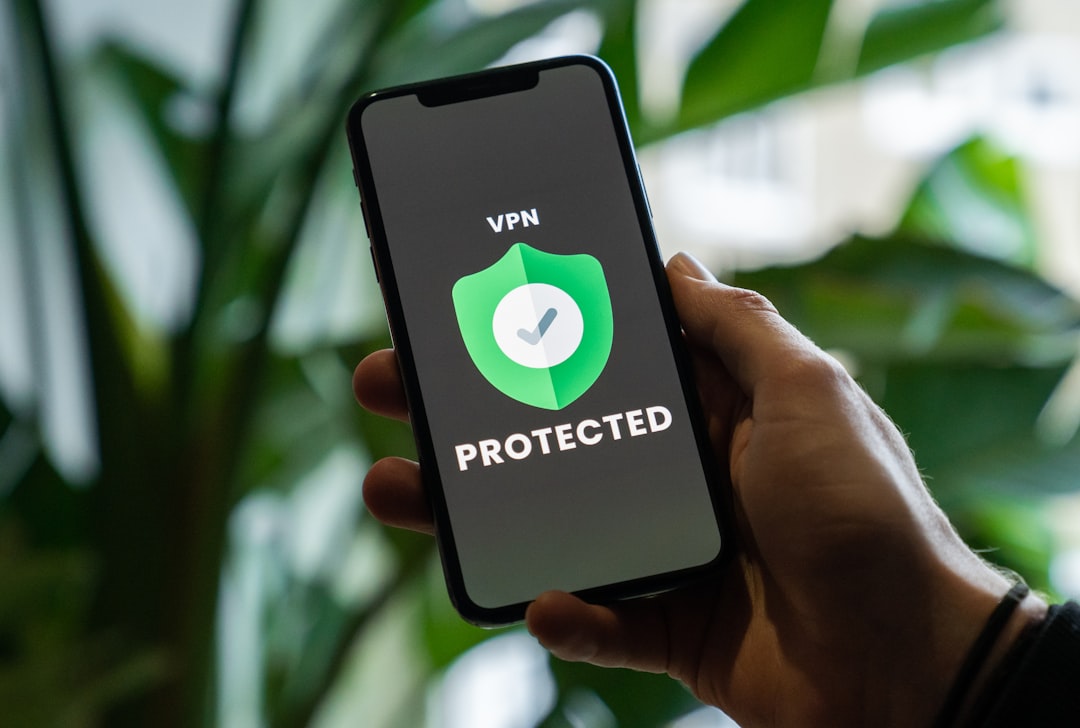
Whether your favorite streaming site is geo-restricted, your workplace blocks social media, or your government limits access to certain platforms, a VPN is one of the most reliable tools to get around those blocks. The good news? Using a VPN to unblock websites is far simpler than most people expect. This guide walks you through everything you need to know, from how it works to which VPN to pick.
How Does a VPN Unblock Websites?
A VPN — short for Virtual Private Network — works by routing your internet traffic through a server in a different location. When you connect to a VPN server in, say, the United States, websites see that server’s IP address instead of your real one. This fools geo-blocking systems into thinking you’re browsing from an allowed region.
Beyond location spoofing, a VPN also encrypts your traffic, which helps bypass firewalls set up by schools, workplaces, or internet service providers. If a network is blocking access to YouTube or Reddit, a VPN tunnel can get around those restrictions because your traffic looks like generic encrypted data — not a request to a blocked site.
Step-by-Step: How to Use a VPN to Unblock Websites
Here’s the process broken down into simple steps:
- Choose a reliable VPN. Not all VPNs are equal. Some are fast and packed with server locations; others are slow or keep logs of your activity. For unblocking websites — especially streaming services — you want a VPN with a strong track record. NordVPN (try it free for 30 days) is one of the most trusted options, with servers in 60+ countries and consistent speeds for HD streaming.
- Download and install the app. Most VPN providers offer apps for Windows, Mac, iOS, and Android. Download the app directly from the provider’s website or your device’s app store.
- Create an account and log in. Sign up for a plan and log into the app. Most premium VPNs offer a money-back guarantee, so you can test it risk-free.
- Select a server location. If you want to unblock a US-only website, connect to a US server. For UK content, pick a UK server. The app will display a list of countries and sometimes specific cities.
- Connect and browse. Hit the connect button. Once you’re connected, open your browser and visit the site that was previously blocked. It should load normally.
Which Websites Can a VPN Unblock?
A VPN can help you access a wide range of blocked content, including:
- Streaming platforms like Netflix US, Hulu, BBC iPlayer, and Disney+
- Social media sites blocked in certain countries (Facebook, Twitter, Instagram)
- News websites restricted in some regions
- IPTV services and live sports streams — if you manage IPTV playlists, check out our M3U playlist checker to make sure your streams are working correctly
- Gaming platforms or game downloads blocked by region
Keep in mind that some streaming services actively try to detect and block VPN traffic. Premium VPNs update their servers regularly to stay ahead of these blocks, which is one reason free VPNs often fail where paid ones succeed.
Free VPN vs. Paid VPN: What’s the Difference?
It’s tempting to grab a free VPN, but there are real trade-offs. Free VPNs typically come with data caps, slower speeds, fewer server locations, and — in some cases — questionable privacy practices. If you’re just testing a connection briefly, a free option might do the job. But for reliable, daily unblocking of websites, a paid VPN is worth the investment.
If you’re looking for other ways to route your traffic without a VPN, a free proxy list can work for basic browsing — though proxies don’t encrypt your data and are generally less reliable for streaming or sensitive activity.
Tips for Getting the Best Results
- Switch servers if a site is still blocked. Try a different server in the same country — some IP addresses get flagged over time.
- Clear your browser cache and cookies before visiting the unblocked site. Old cookies can reveal your real location.
- Use the VPN’s kill switch feature if it has one. This cuts your internet if the VPN drops, preventing accidental exposure of your real IP.
- Check for DNS leaks. A good VPN will route all DNS requests through its own servers, not your ISP’s, which could otherwise reveal what you’re accessing.
Is It Legal to Use a VPN to Unblock Websites?
In the US and UK, using a VPN is perfectly legal. Many businesses use them as standard security tools. However, the legality of VPN use varies by country — in a handful of nations, VPN use is restricted or regulated. Always check the rules for your specific location. Also, while using a VPN is legal, accessing content you’re not licensed to view may still violate a platform’s terms of service.
Should You Use NordVPN to Unblock Websites?
If you want a straightforward, no-fuss experience, NordVPN is one of the strongest choices available. It reliably unblocks major streaming platforms, has fast enough speeds for 4K content, and the apps are beginner-friendly on every device. The 30-day money-back guarantee means there’s no real risk trying it out. For IPTV users especially, a dependable VPN pairs well with good playlist management — learn more about the best VPN for IPTV to find the right fit for your setup.
Bottom line: if a website is blocked, a VPN is the quickest and most reliable fix. Pick a trusted provider, connect to the right server, and you’ll be past the block in under two minutes.
Photo by Privecstasy on Unsplash