
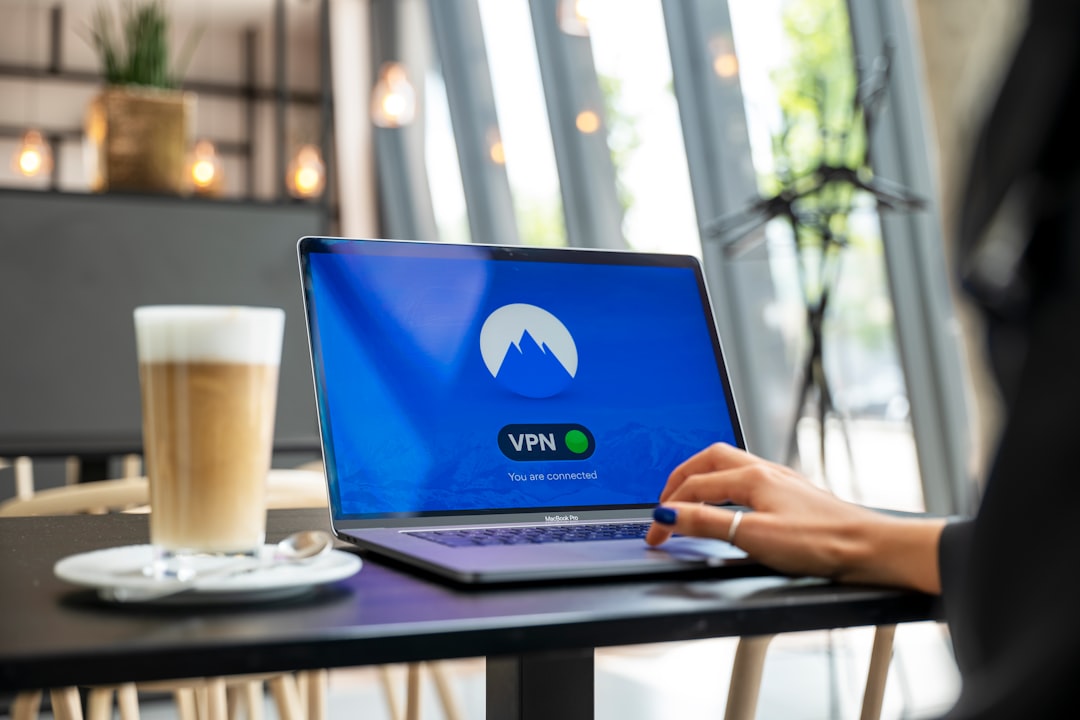
Ever tried to watch a show or access a website only to see that frustrating message: “This content is not available in your region”? Geo blocking is everywhere — from streaming platforms like Netflix and BBC iPlayer to IPTV services and news sites. The good news is that a VPN (Virtual Private Network) is one of the most reliable ways to get around it. This guide walks you through exactly how it works and how to set it up yourself.
What Is Geo Blocking and Why Does It Exist?
Geo blocking is when a website or streaming service restricts access based on your physical location. It detects your IP address, figures out which country you’re in, and either blocks you or shows you a limited version of the content. Streaming platforms use it because of regional licensing deals — a studio might only allow its content to be shown in the US, for example, so UK viewers get locked out. Sports broadcasters, news outlets, and even some IPTV providers do the same thing.
Your IP address is essentially your online postcode. Change it to one from a different country, and the platform assumes you’re located there. That’s exactly what a VPN does.
How a VPN Bypasses Geo Restrictions
A VPN routes your internet traffic through a server in a country of your choice. When you connect to, say, a US server, the streaming site sees a US IP address instead of your real one. As far as the platform is concerned, you’re watching from New York — even if you’re sitting in Manchester.
This works because the VPN encrypts your connection and replaces your real IP address with one from its server network. The process happens automatically in the background, so you don’t need any technical knowledge to use it. You just pick a server location, hit connect, and start streaming.
If you regularly use IPTV playlists, you’ll know that geo blocks can disrupt streams or cause channels to fail. A VPN helps here too — and pairing it with a reliable M3U playlist checker means you can quickly spot whether a broken stream is a geo issue or something else entirely.
Step-by-Step: How to Bypass Geo Blocking with a VPN
Step 1: Choose a reliable VPN. Not all VPNs are equal. Free ones often have limited servers, slow speeds, and may not reliably unblock streaming sites. A paid VPN with a large server network is worth the investment. NordVPN (try it free for 30 days) is a popular choice for streaming and IPTV — it has thousands of servers across 60+ countries and consistently bypasses geo restrictions on major platforms.
Step 2: Download and install the app. Most VPNs have apps for Windows, Mac, iOS, Android, and even smart TVs or Fire Sticks. Download the app for whatever device you’re using.
Step 3: Sign in and pick a server location. Once the app is open, log in and choose a server in the country where the content is available. Want to watch US Netflix? Connect to a US server. Want BBC iPlayer from abroad? Connect to a UK server.
Step 4: Connect and start watching. Hit the connect button, wait a few seconds, and then open the streaming site or IPTV app as normal. The platform will now see your VPN’s IP address and grant you access.
Step 5: Troubleshoot if needed. If a stream still doesn’t work, try switching to a different server in the same country. Streaming platforms do occasionally block known VPN IP ranges, so switching servers usually fixes the problem.
Things to Keep in Mind
Using a VPN to access geo-restricted content sits in a legal grey area in most countries. It’s not illegal to use a VPN in the UK or US, but it may breach the terms of service of the platform you’re accessing. That’s a risk between you and the service — not a criminal matter. Always check the local laws if you’re travelling to countries with stricter internet regulations.
Speed is another factor. A VPN adds a small amount of overhead to your connection. A quality VPN like NordVPN minimises this, but if you’re already on a slow connection, you may notice some buffering. Choosing a server geographically closer to your real location (while still being in the right country) helps keep speeds up.
For IPTV users specifically, it’s also worth knowing what an M3U file is and how your playlist works — geo blocks can affect individual channels within a playlist, not just the whole service.
Should You Use a VPN Just for Geo Blocking?
Honestly, unblocking content is one of the most common reasons people pick up a VPN — but it’s far from the only benefit. A good VPN also protects your privacy on public Wi-Fi, hides your browsing from your ISP, and adds a layer of security when streaming from lesser-known IPTV sources. If you’re already using IPTV services or M3U playlists regularly, a best VPN for IPTV roundup can help you find the right fit for your setup. For most people, the combination of geo unblocking and privacy features makes a VPN an easy call.
Photo by Petter Lagson on Unsplash