
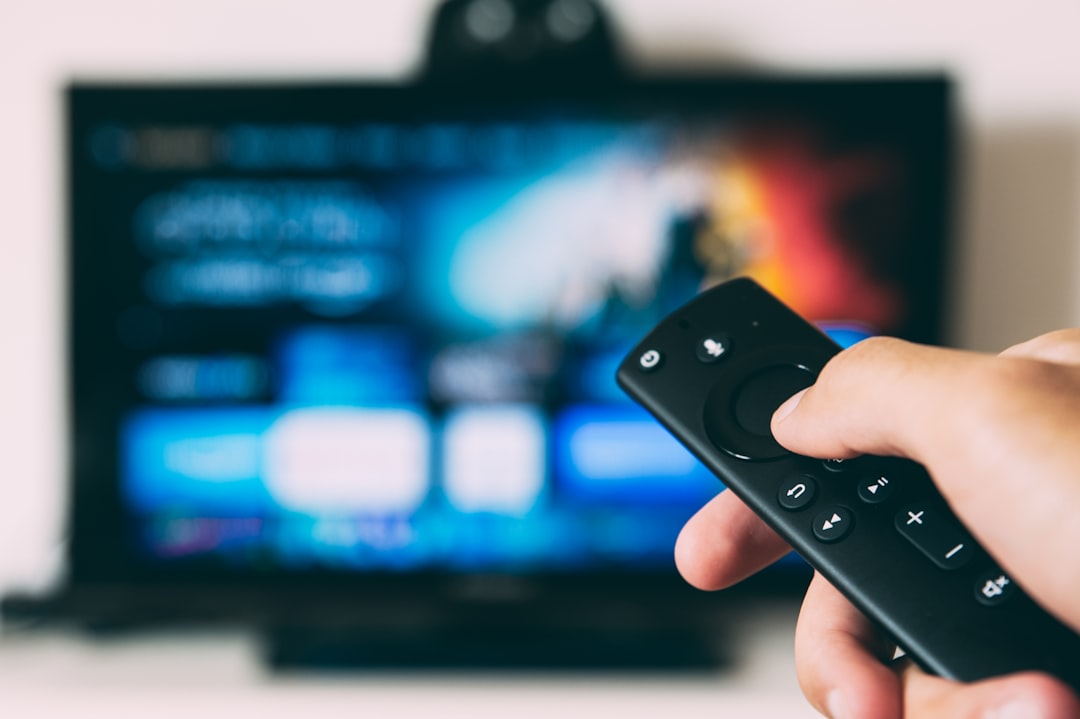
If you’ve heard the term IPTV thrown around but aren’t quite sure what it means, you’re not alone. IPTV — short for Internet Protocol Television — is simply a way of watching TV channels and video content over the internet instead of through a traditional cable or satellite connection. It’s the same technology that powers services like YouTube TV, Sling, and Hulu Live, and it’s also what millions of people use with third-party apps and playlist files to access live TV from around the world.
How IPTV Actually Works
Traditional TV broadcasts content over radio frequencies (antenna), coaxial cable, or satellite signals. IPTV does something fundamentally different: it packages video content into small data packets and sends them over the internet to your device, exactly like how a webpage loads in your browser.
Here’s the basic flow:
- Content is encoded — A broadcaster or service converts a live TV signal into a compressed digital stream (usually using formats like H.264 or H.265).
- It’s delivered over the internet — That stream travels through a content delivery network (CDN) and reaches your home via your broadband connection.
- Your device decodes it — A media player, smart TV app, or set-top box unpacks the data and plays the video in real time.
The result? Live TV, video on demand, and even catch-up content — all delivered through your internet connection with no dish or cable box required.
What Is an M3U Playlist?
If you’ve looked into IPTV beyond mainstream apps, you’ve probably come across the term M3U file. An M3U playlist is a simple text file that contains a list of stream URLs — think of it as a remote control directory that tells your media player where to find each channel. You load the M3U file into a compatible app (like VLC, TiviMate, or IPTV Smarters), and the app fetches and plays each stream on demand.
If you want to understand the format better, our guide on what is an M3U file walks through the structure step by step. And if you already have a playlist and want to check which channels are actually working, the M3U playlist checker tool can scan your list and flag any dead or broken streams instantly.
Types of IPTV Services
Not all IPTV is the same. There are three main categories you’ll encounter:
- Live IPTV — Real-time streaming of broadcast channels, just like regular TV but delivered over the internet.
- Video on Demand (VOD) — A library of movies and TV shows you can watch whenever you like, similar to Netflix.
- Time-shifted TV — The ability to watch content that aired in the past, often up to 7 days back. Common in UK services like the BBC iPlayer.
What Do You Need to Watch IPTV?
Getting started with IPTV doesn’t require expensive hardware. Here’s what you typically need:
- A stable broadband connection — At least 10 Mbps for HD, 25 Mbps for 4K streams.
- A compatible device — Smart TV, Amazon Fire Stick, Android box, smartphone, tablet, or PC.
- A media player or IPTV app — VLC is free and works on almost everything. Dedicated apps like TiviMate offer a better TV-style interface.
- An M3U playlist or IPTV subscription — Either from a legitimate service or a provider you trust.
Why Some IPTV Streams Get Blocked
Geo-restrictions are a real issue with IPTV. Broadcasters license content by region, so a channel available in the UK might be blocked if you try to access it from the US, and vice versa. On top of that, some internet service providers actively throttle or block IPTV traffic, especially during peak hours.
A reliable VPN routes your connection through a server in another country, making it appear as though you’re browsing from there. This helps bypass geo-blocks and prevents your ISP from identifying and throttling your streams. NordVPN (try it free for 30 days) is one of the most popular choices for IPTV users because of its fast speeds, large server network, and consistent performance on streaming platforms. You can also check our roundup of the best VPN for IPTV if you want to compare options before committing.
Is IPTV Legal?
IPTV itself is completely legal — it’s just a delivery method. Mainstream services like YouTube TV, Disney+, and Amazon Prime Video all use IPTV technology. The legal grey area appears when people use unofficial IPTV subscriptions to access paid channels without a proper licence. If you’re unsure about a service, check whether it holds broadcasting rights for the content it offers. When in doubt, stick to official apps or services you know are above board.
Ready to Get Started?
IPTV is one of the most flexible ways to watch TV today. Whether you’re cutting the cable cord, looking to access international channels, or just curious about how your streaming apps actually work, understanding the technology puts you in control. If you’ve already got an M3U playlist and want to make sure it’s in good shape, run it through the M3U playlist checker — it takes about 30 seconds and shows you exactly which streams are live and which need replacing. From there, pair it with a solid VPN and you’ve got a reliable, flexible TV setup that works anywhere.
Photo by Glenn Carstens-Peters on Unsplash