
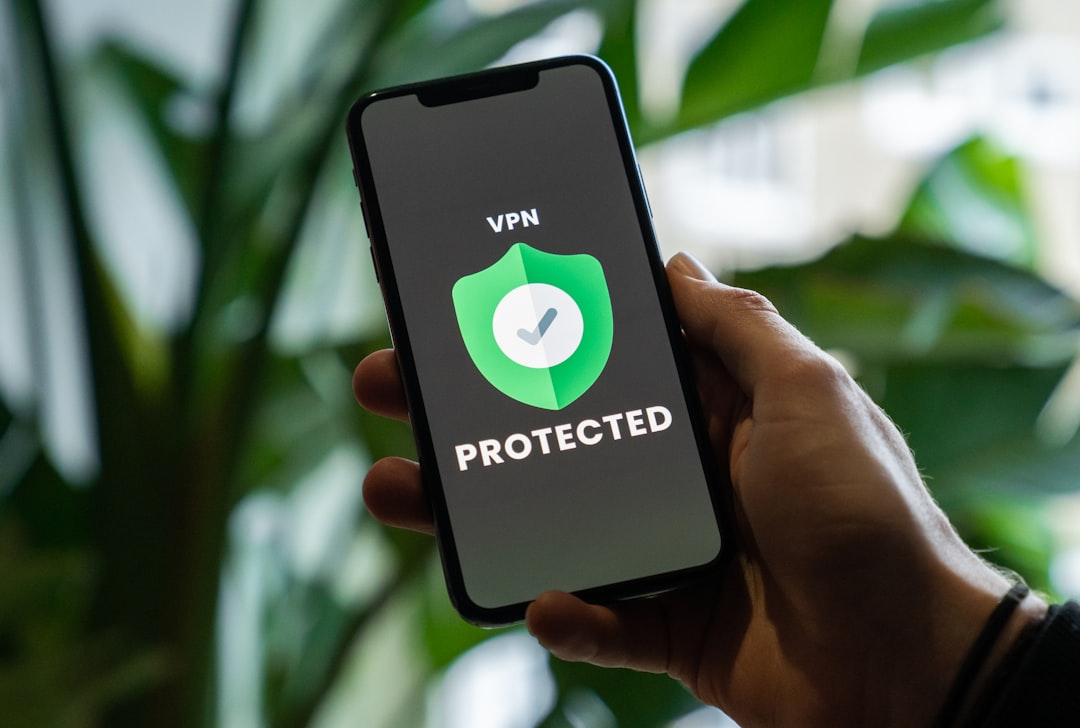
Whether you’re trying to access a streaming service from abroad, use an IPTV playlist that keeps getting cut off, or simply visit a site your network admin has restricted, a VPN is one of the most reliable tools available. This guide walks you through exactly how to use blocked websites with a VPN — no technical background required.
Why Are Websites Blocked in the First Place?
Websites get blocked for a variety of reasons. Your workplace or school may restrict certain platforms to keep people focused. Internet service providers (ISPs) in some countries block content for regulatory or political reasons. Streaming services like Netflix and BBC iPlayer use geo-restrictions to control what content is available in each region. And some services actively block certain IP ranges they associate with data centers or foreign traffic.
Understanding why a site is blocked helps you choose the right approach. For most everyday cases — geo-blocks, school or office filters — a VPN handles the problem cleanly and quickly.
What Does a VPN Actually Do?
A VPN (Virtual Private Network) creates an encrypted tunnel between your device and the internet. When you connect through a VPN server in another country, websites see that server’s IP address instead of your real one. This makes it appear as though you’re browsing from wherever that server is located.
So if a US streaming site is blocked in your country, connecting to a VPN server in the United States gives you a US IP address — and the site loads normally. The same logic applies to IPTV services, news sites, and social media platforms that may be restricted in certain regions. If you’re managing IPTV playlists, you might also find our M3U playlist checker useful for diagnosing stream issues that aren’t related to geo-blocking.
How to Use a VPN to Access Blocked Websites — Step by Step
The process is straightforward regardless of which device you’re using.
Step 1: Choose a reputable VPN. Not all VPNs are equal. Free VPNs often have slow speeds, data caps, and questionable privacy practices. A paid VPN with a large server network is worth it for reliable unblocking. NordVPN (try it free for 30 days) is one of the most trusted options — it has servers in over 60 countries and works reliably with most streaming platforms and IPTV services.
Step 2: Download and install the app. Most VPN providers offer apps for Windows, Mac, iOS, Android, and even smart TVs or routers. Download the official app from the provider’s website or your device’s app store.
Step 3: Sign in and select a server location. Open the app and log in. Choose a server in the country where the content you want to access is available. For example, if you want to watch a UK-only stream, pick a UK server.
Step 4: Connect and browse normally. Hit connect, wait a few seconds, and then open your browser or app as usual. The blocked website should now load without issues.
Step 5: If it still doesn’t work, try a different server. Some services actively detect and block VPN traffic. Simply switching to a different server in the same country usually solves this.
What About Firewalls at Work or School?
Office and school networks often use firewalls that block VPN traffic itself, not just individual websites. In these cases, look for a VPN with obfuscation features — these disguise VPN traffic as regular HTTPS traffic, making it much harder for firewalls to detect and block. NordVPN’s obfuscated servers are designed specifically for this scenario.
Alternatively, some users turn to proxies for bypassing network filters, though these tend to be slower and less secure than VPNs. If you’re curious about that route, our free proxy list is a good starting point for comparison.
Is It Legal to Use a VPN for This?
In most countries, using a VPN is completely legal. The UK, US, Canada, and most of Europe all permit VPN use. However, what you do while connected still needs to comply with local laws. Accessing copyrighted content you don’t have a license for remains a legal issue regardless of whether you’re using a VPN. For legitimate uses — streaming, privacy, remote work, accessing your own accounts while traveling — VPNs are a perfectly acceptable tool.
If you’re using a VPN alongside IPTV services, check out our guide on the best VPN for IPTV to find options optimized for streaming performance and minimal buffering.
Should You Use a Free or Paid VPN?
Free VPNs can seem appealing, but they come with real trade-offs: slower speeds, monthly data limits, fewer server locations, and in some cases, your browsing data being logged and sold. For occasional use on non-sensitive tasks, a free VPN might be fine. But if you’re regularly accessing blocked content, streaming video, or using IPTV playlists, a paid VPN delivers a noticeably better experience.
The good news is that most premium VPNs offer money-back guarantees or free trials, so you can test before committing. That makes the decision pretty low-risk.
Ready to Unblock? Here’s What to Do Next
Using a VPN to access blocked websites takes less than five minutes to set up. Pick a provider with a solid server network and a no-logs policy, install the app on your device, connect to the right server, and you’re done. For IPTV users especially, a VPN does double duty — it unblocks geo-restricted streams and keeps your traffic private from your ISP. Start with a trusted provider, test it on your most-used devices, and you’ll wonder why you waited this long.
Photo by Privecstasy on Unsplash