
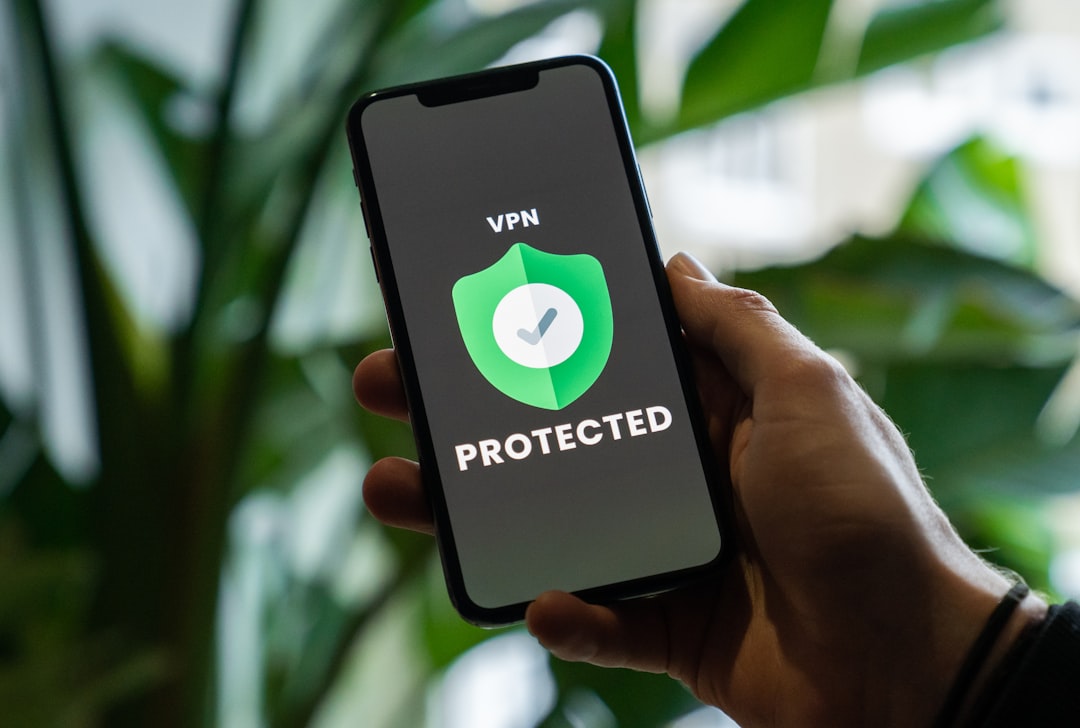
If you’ve recently set up an IPTV service and started wondering whether you need a VPN alongside it, you’re not alone. It’s one of the most common questions among IPTV users — and the answer depends on how you’re using IPTV, where you live, and what you want to protect. This guide breaks it all down in plain English.
What Does a VPN Actually Do for IPTV?
A VPN (Virtual Private Network) routes your internet traffic through a server in another location, masking your real IP address and encrypting your connection. For IPTV users, this matters for a few key reasons:
- It hides what you’re streaming from your Internet Service Provider (ISP).
- It can prevent bandwidth throttling — many ISPs slow down video streaming traffic once they detect it.
- It lets you access geo-restricted content by making it appear you’re in a different country.
- It adds a layer of privacy so your streaming habits aren’t logged or monitored.
Whether or not you need all of that depends on your situation — but for most IPTV users, at least one of those benefits is relevant.
ISP Throttling Is a Real Problem
One of the biggest practical reasons to use a VPN with IPTV is throttling. ISPs in the US and UK are well known for detecting heavy video traffic and deliberately slowing it down during peak hours. This can turn a smooth 1080p stream into a buffering nightmare — even when your base internet speed is perfectly fine.
Because a VPN encrypts your traffic, your ISP can’t tell whether you’re watching IPTV, browsing the web, or downloading files. That means it can’t selectively throttle your streams. Many users report a noticeable improvement in stream quality after switching to a VPN — not because the VPN is faster, but because it removes artificial speed limits.
Privacy and Legal Considerations
IPTV services vary widely. Some are fully licensed and legal (like services that stream live TV through an M3U playlist provided by your cable or satellite provider). Others operate in a legal grey area. Regardless of which type you use, a VPN adds a privacy buffer between you and anyone who might be monitoring your network activity.
If you’re ever unsure about the content of your playlist, it’s a good habit to run it through an M3U playlist checker to verify what channels and streams are actually in it — broken or suspicious links can be a red flag.
In the UK especially, rights holders and ISPs have been known to monitor and block certain IPTV-related traffic. Using a VPN significantly reduces your exposure to this kind of scrutiny.
Can a VPN Slow Down Your IPTV Streams?
This is a fair concern. A VPN does add some overhead to your connection — your data has to travel to a VPN server before reaching its destination. With a low-quality or overloaded VPN, this can introduce lag and buffering.
However, a good-quality VPN with servers optimized for streaming will have a minimal impact on speed — often less than 10-15% reduction, which most broadband connections can absorb without any visible difference in quality. The key is choosing a VPN that’s fast and reliable, not a free one that’s shared by thousands of users.
For IPTV specifically, you want a VPN with low latency, solid UK and US server coverage, and streaming-friendly infrastructure. NordVPN (try it free for 30 days) is one of the most consistently recommended options — it’s fast, has thousands of servers, and works well with most IPTV setups.
When You Might Not Need a VPN
If you’re using a fully licensed IPTV service, your ISP isn’t throttling you, and you’re not concerned about privacy, you might get along fine without one. There’s no rule saying every IPTV user must use a VPN. It’s a tool — and like any tool, it solves specific problems.
That said, even casual users often find value in a VPN once they experience how much smoother streams can be without ISP interference. If you’re also working with playlist files directly, understanding what an M3U file is and how it works can help you troubleshoot issues before assuming your VPN or connection is to blame.
So, Should You Use a VPN With IPTV?
For most users, yes — especially if you’re in the US or UK where ISP throttling is common. Even if you’re using a completely above-board service, the privacy and performance benefits are real and worth the small monthly cost of a reliable VPN.
If you’re on the fence, start with a provider that offers a free trial or money-back guarantee so you can test it with your own setup risk-free. Pay attention to buffer times, stream quality, and channel load speeds before and after enabling the VPN — the difference is often obvious within minutes.
The short answer: a good VPN paired with a well-managed IPTV playlist is one of the most effective ways to get consistent, reliable streams without headaches.
Photo by Privecstasy on Unsplash